

 Maintenance Connection Everywhere (MCe) · EAM/CMMS manuals
TL;DR
Triggers another Event when the action is executed.
Allows Events to be linked together into larger workflows.
Reuses existing Events instead of duplicating logic.
Helps organize and simplify complex automation.
More Details
The Run Event action executes another configured Event when the current action is triggered. Rather than creating a Work Order or ending the workflow, it passes control to the selected Event, allowing multiple Events to be chained together.
This is useful when the same Event needs to be reused in different workflows or when a maintenance process is easier to manage by breaking it into smaller, reusable Events.
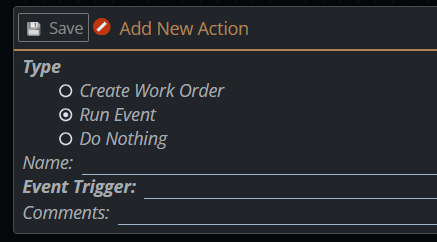
Each Run Event action requires a Name and an Event Trigger. You can also add Comments to document the purpose of the action and enable or disable it as needed.
Configuration
To configure a Run Event action:
- Select Run Event as the action type.
- Enter a descriptive Name.
- Select the Event Trigger to execute.
- (Optional) Enter any Comments.
- Enable or disable the action as needed.
- Click Save.
Result
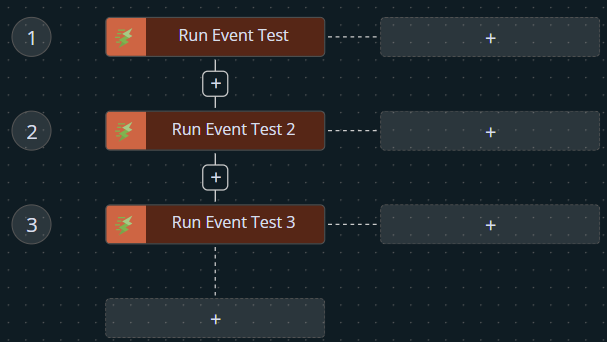
When a Run Event action is triggered:
- The selected Event is executed.
- Any actions configured within that Event are processed.
- The workflow continues according to the logic of the triggered Event.
- The action is recorded in the system history.
This makes Run Event an effective way to build modular, reusable, and maintainable Event & Action workflows.