 Maintenance Connection Everywhere (MCe) · EAM/CMMS manuals
If you have an internet connection, upgrading is automatic and should happen within 1 hour of a version being released.
When an upgrade has been downloaded and ready to install, the 3 dot menu will change tone from the color directly on either side (color green for those who can see full color)
When no upgrade is pending:

When Upgrade is downloaded and waiting for you to switch to:

The menu itself will have a new choice that lets you force the upgrade 'now'
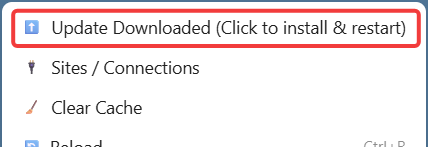
On a typical computer, clicking on the 'Update Downloaded..." will take less than 1 second to run.
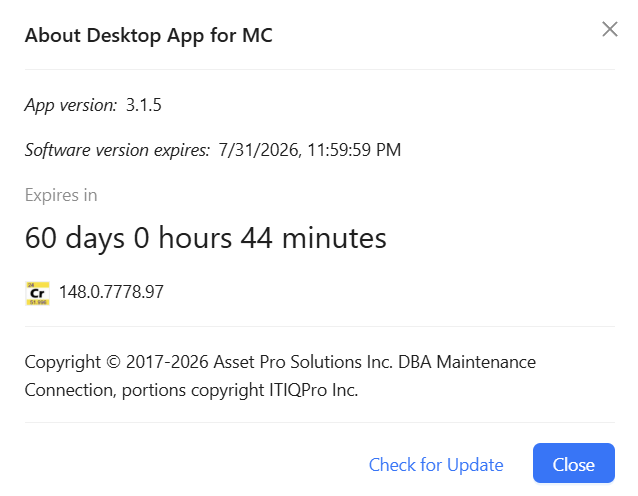
If you want to see the current version, go to the 3 dot menu, 'about' page.
If you don't have a connection to get upgrades you will need your IT department to have the firewall allow this domain https://desktopappformc.itiqpro.com/ or your IT department will need to collect and push upgrades though their Enterprise Policy.