

 Maintenance Connection Everywhere (MCe) · EAM/CMMS manuals
I just logged in using my Identity Provider (SSO) login and now my MC Account is broken
Security systems by design do not leak info. This can make troubleshooting frustrating, but necessary.

Yes, once you use your IP to login on your account, it becomes an IP account not an MC Account.
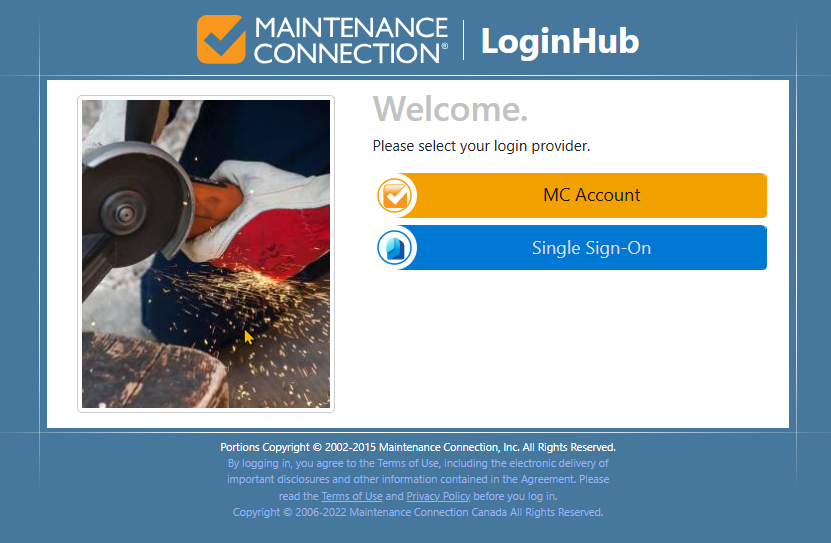
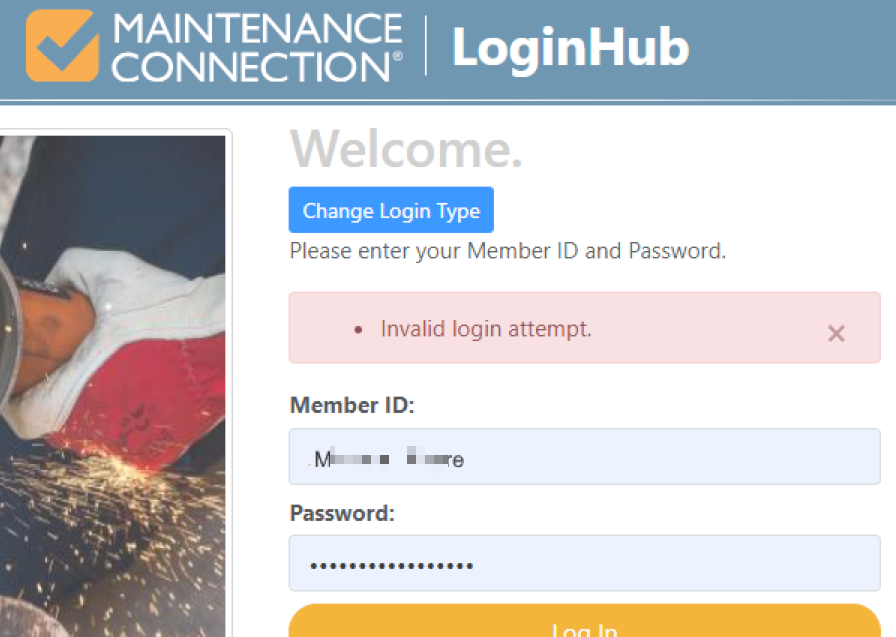
There are lots of reasons you can get an Invalid Login Attempt. This document is addressing the "I used to be able to login with my MC Account but now, after using my Identity Provider account, it won't let me use my MC Account.".
This is actually normal and by design. You can prevent it from happening, but it would be extremely rare for you to actually want to.
A situation that can happen is this:
- You start up using an MC account
- You add your Identity provider, Okta, Auth0, MS Active Directory, Azure, Google etc.., aka your Single Sign-On provider (SSO is one of many features that LoginHub and Identity providers offer, but it is often the most visible.)
- You login even just once using your Identity provider.
- If set up normally,
- it will see your user email address is the same
- It then 'takes over' your user account
- Next time you try to log in, you use your MC Account you get "Invalid login attempt"
- If set up normally,
So what happened?
Your IP, such as Azure, took over your 'plain non-IP, non-SSO account' and upgraded it to an IP/SSO account because of the settings your company/organization has in LoginHub. In other words - it was on purpose.
The MC Accounts are not SSO accounts, they are not Identity Provider accounts, they don't have the security features of IP accounts.
In general, once set up, you will remove even the option to have an MC Account login.
But it can be confusing at first because "it worked 2 minutes ago" and you think you can go back and forth between the two.
Why would it 'break' or take over my MC Account
As above, your company decided, quite reasonably, that it is a problem for a 'live human' to have 2 different user accounts. All your changes, Work orders, labor charges etc.., would go back and forth between the two accounts. So they used (on by default) a LoginHub feature that says,
- if I log on with an Identity Provider, perhaps using the IP's SSO feature
- And the email address matches an existing account in MC
- And that user is an MC Account
- Take that user and upgrade them to an IP account
- And by extension, remove their ability to login as an MC account
Quirk. Is it a bug or is it a feature?
If you go in and 'forgot my password' with the MC Account feature in MC, it will change the recorded password in the MC database.
However, when you try to login, it recognizes "This account is (now) an IP account, it does not let you log in through the MC method (anymore)"
It doesn't know or care that the account used to let you log in that way. It sees you as an attacker trying to find a back door way around the IP, and it, of course, refuses.
The generally irritating thing is that, security systems are required to not leak information, so it just says "Invalid login attempt" because anything else might leak valuable information. For example if it came back and said "Ma****e" is not an MC account anymore, it is an Azure account. That would make it 100x's easier for a hacker.